 LaneVertex
NATIVE C23 / macOS DESKTOP AVAILABLE / WINDOWS & LINUX CLI AVAILABLE
Desktop & CLI guide
One engine. Two ways to work.
Inspectable networking is the planned free foundation. Desktop adds a native workflow, installers and signed, confirmed updates. LaneVertex is independently developed by one person.
What exists today
LaneVertex 1.0.6 is released: a Developer ID signed, notarized macOS app for macOS 13 or later, and command-line builds for Linux (.deb for amd64 and arm64) and Windows (.msi, plus an ARM64 .zip). The Linux and Windows builds include a desktop GUI preview that saves settings, starts at login, starts downloads and uploads, runs Diagnose and installs signed updates; full desktop apps for those platforms are still in development. Verified in this public release: plain file downloads over one connection, and uploads to S3-compatible storage from the Linux and Windows builds. Device-wide multi-link balancing and torrents are not verified public features yet.
Download and install
LaneVertex 1.0.6 is downloaded from this site's download page: the macOS app as a .dmg, Linux as .deb packages, Windows as an .msi (ARM64 as a .zip). The SHA-256 of every file is listed next to its download button; check it before installing. The macOS disk image is signed and notarized by Apple; the Linux and Windows binaries are unsigned, so Windows may show a SmartScreen warning until the checksum is verified. Source is currently private; the core and CLI are intended for free release under MPL-2.0 after a license audit (see the products page).
# macOS: open the .dmg and drag LaneVertex to Applications
sudo apt install ./LaneVertex-1.0.6-linux-amd64.deb
msiexec /i LaneVertex-1.0.6-windows-x64.msi
The command line is installed with the app: on macOS inside LaneVertex.app, on Linux and Windows with the package. Updates are checked on demand and install only after confirmation; the update feeds are Ed25519-signed and verified before anything is installed.
The command line
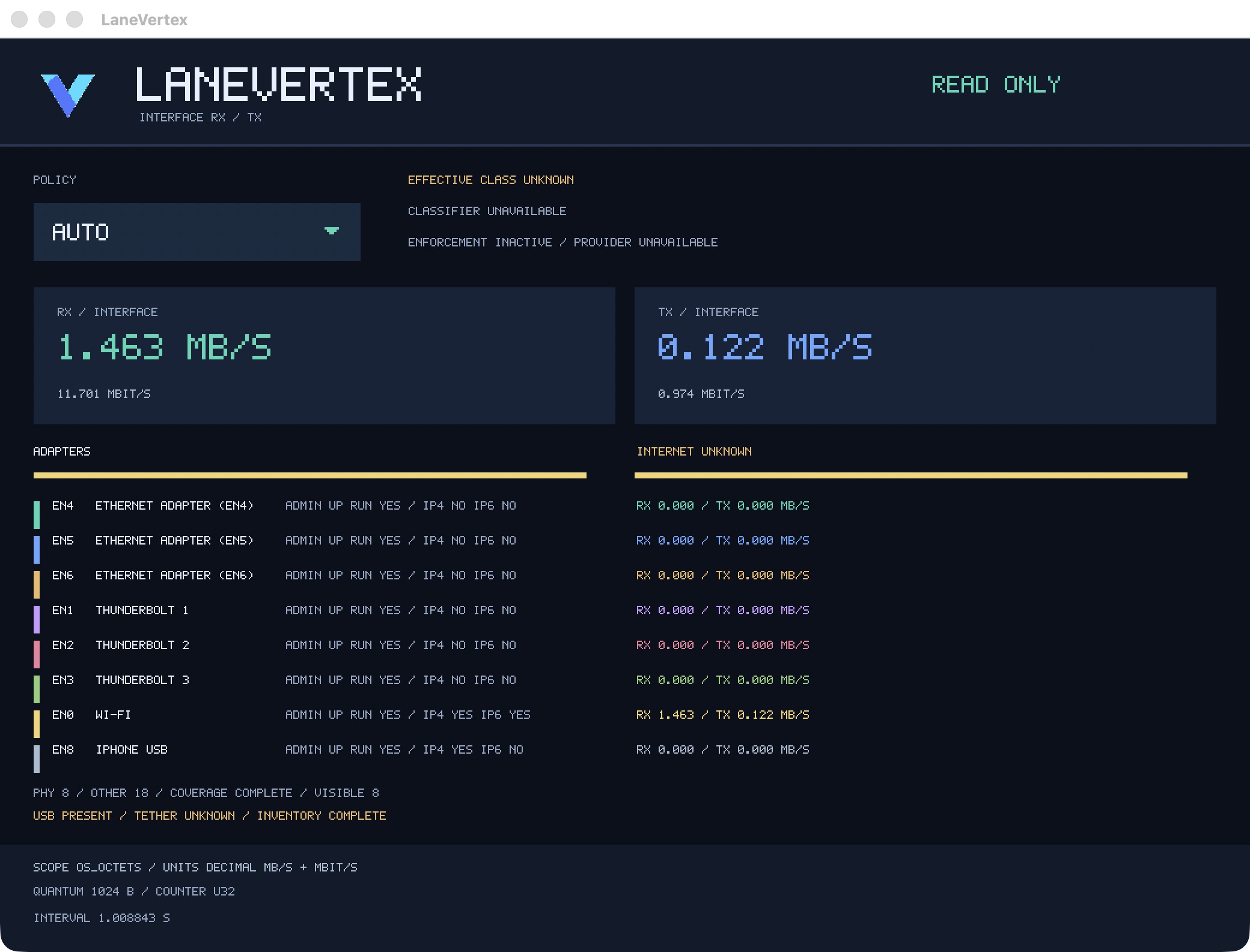
Every build ships the lanevertex command line. Help, version and static capabilities work offline. Status and interfaces read local OS inventory and cumulative counters once; they do not measure throughput or generate test traffic. JSON uses stable technical keys, and failed downloads print a reason.
VPN compatibility: LaneVertex combines several network links at once, so it cannot work through a VPN that sends all traffic down one tunnel. The status command and downloads print a warning when a VPN is detected; turn the VPN off for full multi-link speed.
/tmp/lanevertex-cli0-check/lanevertex-release --help
/tmp/lanevertex-cli0-check/lanevertex-release version --format json
/tmp/lanevertex-cli0-check/lanevertex-release capabilities --format json
/tmp/lanevertex-cli0-check/lanevertex-release status --format json
/tmp/lanevertex-cli0-check/lanevertex-release interfaces list
/tmp/lanevertex-cli0-check/lanevertex-release interfaces show ID --format json
Foreground download
The shipped CLI runs one download job on one explicitly selected interface, with mandatory byte limits and an integrity mode. The GUI does not control that job; it is meant for scripts and deliberate, inspectable transfers. Torrents and shared instances are not part of the public CLI.
Supply the HTTPS URL through a trusted nonterminal pipe or an already-open current-owner 0600 regular file with no extended ACL. Never put signed URLs or credentials in shell arguments. All three byte limits are mandatory. Computed hashes describe received content; reference-sha256 requires a trusted external digest.
The command shape below is a syntax reference, not a ready-to-run transfer. Replace PATH, ID, N and the integrity choice deliberately; provide protected stdin. This page performs no transfer.
lanevertex download run --url-stdin
  --destination PATH --interface ID
  --integrity computed|reference-sha256
  [--expected-sha256 HEX64]
  --max-object-bytes N
  --body-budget-bytes N
  --path-body-budget-bytes N
Roadmap
Next come the full desktop apps for Linux and Windows, device-wide multi-link balancing, and the torrent engine as verified public features, on the way to one shared controller and engine for Desktop and CLI with the same jobs, policies, budgets and immutable metrics. The preorder delivery criteria on the products page define what a qualifying Desktop v1 release must include.